SurfCalc Documentation
Welcome to SurfCalc. SurfCalc is optomechanical analysis software that turns structural FEA results into optical surface and wavefront performance data.
It reads displacement results straight from Abaqus, Ansys and Nastran (or from CSV), fits them with Zernike and related polynomial bases, removes rigid-body motion, solves active-optics corrections, and turns per-surface motion into line-of-sight and random-vibration error budgets.
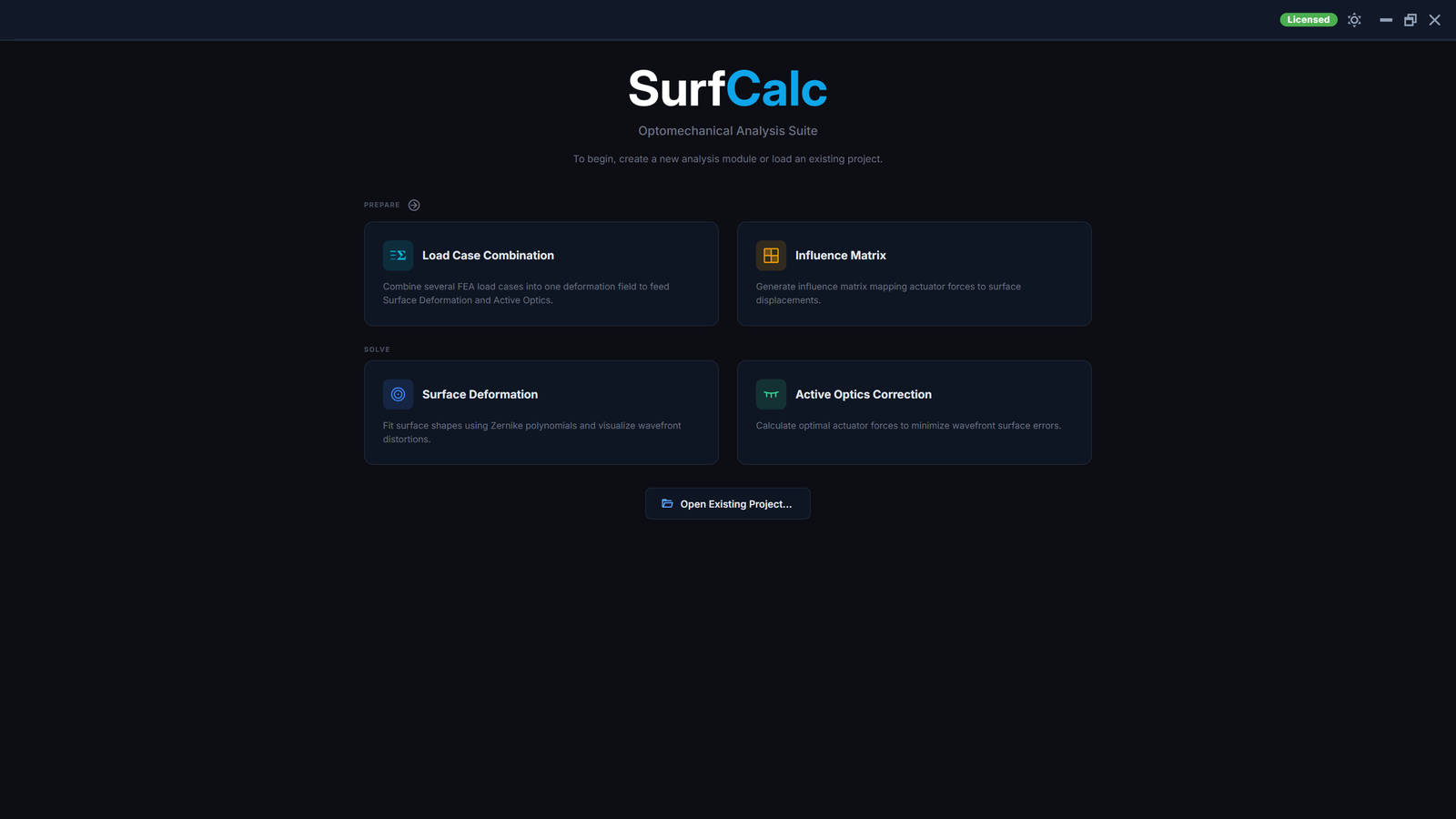
Modules
SurfCalc's nine modules are grouped by role. Prepare modules produce a field or basis, Solve modules turn a prepared field into an answer, and Analyze modules compare results that are already solved.
Prepare
- Load Case Combination: combines several FEA load cases (gravity, thermal, wind, ...) into one deformation field by signed superposition or RSS envelope, feeding Surface Deformation fits or an Active Optics target.
- Influence Matrix: compiles per-actuator FEA poke-test results into a coupled influence matrix, with symmetry expansion, that drives Active Optics.
- Bending Modes: extracts a normal-modes basis from an FEA modal analysis (Abaqus, Ansys or Nastran) or a CSV, feeding Surface Deformation fits through a live link.
- Sensitivity Matrix: computes a first-order (paraxial) tilt/decenter to line-of-sight sensitivity matrix from an optical prescription, entered by hand or imported from Zemax OpticStudio or CODE V, feeding Image Motion.
Solve
- Surface Deformation: decomposes surface displacement maps into Zernike coefficients and removes rigid-body motion (RBM).
- Active Optics: computes optimized actuator correction forces under stroke and force limits, with actuator-fighting diagnostics, regularization and Monte Carlo tolerancing.
- Image Motion: combines per-surface deformation with a sensitivity matrix into a line-of-sight error budget for an imaging payload.
- Random Response Budget: turns an FEA random-vibration result into a 1-sigma Zernike budget (RMS, PV and per-term coefficients) over a mode basis.
Analyze
- Result Comparison: places two or more Surface Deformation or Active Optics results side by side, with their Original/Fit/Residual views and PV/RMS metrics.
Every 3D viewport has a right-click menu for colormaps, color limits and camera views. The same calculations are available without the GUI, from Python scripts or a headless command-line session (see the API Reference).
Licensing (Trial / Licensed / Unlicensed)
Every install opens Unlicensed: the UI and Help are available, but import and calculate stay blocked until you activate a license key. Open File > License... (or click the status badge in the toolbar).
| Status | Meaning |
|---|---|
| Unlicensed | No active key; calculations blocked |
| Trial | Free 30-day full-feature trial key from www.surfcalc.com |
| Licensed | Paid annual or academic key, full features |
| Expired | Key past its expiry date; calculations blocked until renewed |
A Trial or Licensed key unlocks every module at full scale: any mesh size, any actuator or load-case count, and symmetry expansion. Request a free trial key on the trial form at www.surfcalc.com.